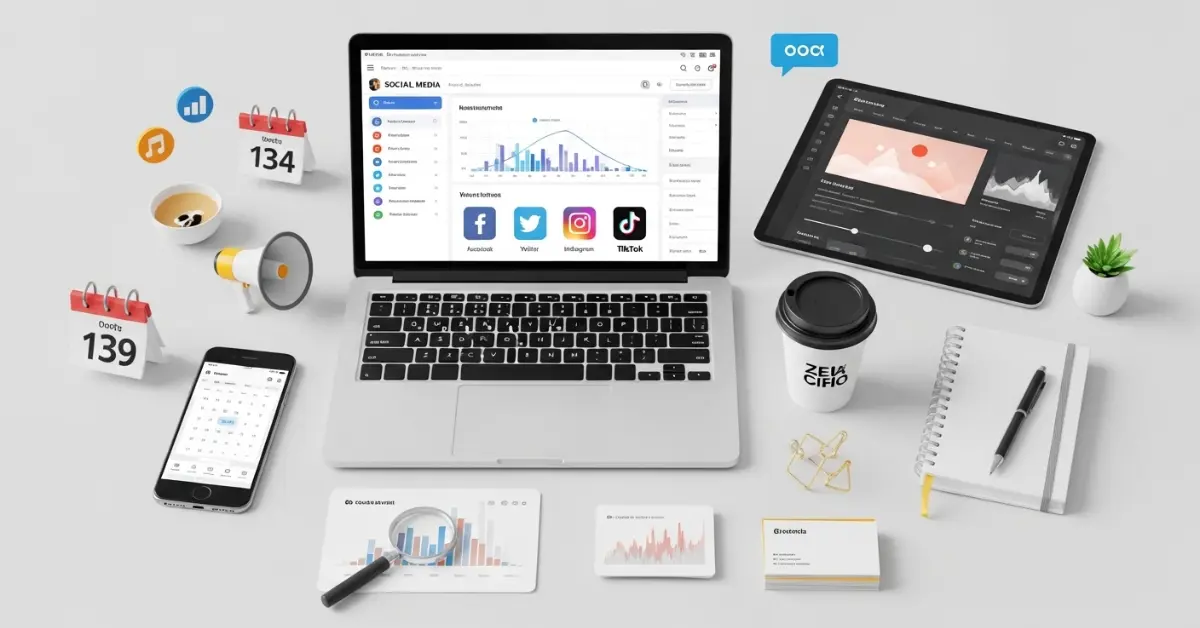
Whether you are a business owner, influencer, or just someone active online, staying organized and consistent is key. This is where tools to manage social accounts become essential. These tools help you schedule posts, track engagement, analyze performance, and save valuable time, making it easier to grow your online presence effectively.
Key Benefits of Using Social Management Tools
Using social media management tools comes with many advantages. Here are the most important benefits:
- Save Time: Instead of posting manually on each account, you can schedule posts in advance.
- Consistent Posting: Tools ensure your content is shared regularly, keeping your audience engaged.
- Track Analytics: Most tools provide performance insights such as likes, comments, shares, and reach.
- Manage Multiple Accounts: You can handle several accounts from a single dashboard.
- Plan Content: These tools often include content calendars to organize posts ahead of time.
- Increase Engagement: Tools help you respond quickly to messages and comments.
By using these tools, social media management becomes easier and more professional.
How to Choose the Right Tool for Your Needs
Choosing the right tool is very important. Not all tools are the same, and different users need different features. Here’s a step-by-step guide:
- Identify Your Goals: Decide whether you want to schedule posts, track analytics, manage multiple accounts, or all of these.
- Check Platform Compatibility: Make sure the tool supports all your social media platforms.
- Compare Features: Look for content planning, analytics, automation, and collaboration features.
- Budget Consideration: Some tools are free, while others require a subscription. Choose one that fits your budget.
- Ease of Use: A simple, user friendly interface will save you time and effort.
- Trial Periods: Many tools offer free trials. Test a few to see which one works best for you.
By following these steps, you can select a tool that meets your unique requirements.
Top Social Management Tools Overview
Here is a list of some of the best tools you can use to manage your social accounts effectively:
Hootsuite:
- Manage multiple platforms from one dashboard.
- Schedule posts in advance.
- Track analytics and engagement.
- Suitable for businesses and individuals.
Buffer:
- Simple and easy to use.
- Schedule posts for Facebook, Instagram, LinkedIn, and Twitter.
- Provides performance insights and reports.
- Great for beginners and small teams.
Sprout Social:
- Focuses on analytics and audience engagement.
- Allows team collaboration.
- Ideal for medium to large businesses.
- Has a clean, professional interface.
Later:
- Best for Instagram focused strategies.
- Visual content calendar makes planning easy.
- Schedule posts, stories, and reels.
- Free and paid plans available.
Zoho Social:
- Supports multiple platforms.
- Advanced analytics and scheduling.
- Offers CRM integration.
- Suitable for growing businesses.
Using these tools correctly will help you manage your social media efficiently.
Step by Step Guide to Setting Up Your First Social Tool
Setting up your social media management tool is simple if you follow these steps:
- Sign Up: Create an account with your email or social login.
- Connect Accounts: Link all your social media accounts to the tool.
- Customize Settings: Choose time zones, notifications, and other preferences.
- Plan Content: Decide what posts to share and when.
- Schedule Posts: Use the tool’s calendar to plan a week or month in advance.
- Check Analytics: Track engagement and reach for each post.
- Adjust Strategy: Make improvements based on the data.
Following these steps ensures your social media management starts smoothly.
Creating a Content Calendar
A content calendar is an organized plan for what you will post and when. Here’s how to create one:
- List all social media platforms you use.
- Decide the frequency of posts for each platform.
- Plan content types like images, videos, or text posts.
- Assign dates and times for each post.
- Use tools like Hootsuite, Buffer, or Later to schedule automatically.
Benefits of a content calendar:
- Prevents last minute stress.
- Maintains a consistent posting schedule.
- Helps track campaigns and performance easily.
Automating Posts and Engagement
Automation is one of the main advantages of using tools to manage social accounts.
- Scheduling Posts: Plan weeks or months in advance so you don’t have to post manually every day.
- Auto Replies: Tools can respond to messages instantly, improving customer service.
- Chatbots: These can answer common questions automatically.
- Balanced Automation: While automation saves time, always keep a personal touch in your responses.
Automation allows you to stay active online without spending hours every day on social media.
Monitoring and Analyzing Performance
Analyzing your performance helps you understand what works and what doesn’t.
- Track Engagement: See likes, shares, comments, and clicks.
- Measure Reach: Know how many people saw your posts.
- Use Dashboards: Most tools have built-in analytics for easy tracking.
- Make Adjustments: Change your posting schedule, content type, or strategy based on insights.
- Report Results: Create reports for your team, clients, or personal use.
Monitoring performance ensures your social media efforts are effective and efficient.
Managing Multiple Accounts Without Confusion
Handling multiple accounts can be challenging. Here’s how to do it efficiently:
- Use a Single Dashboard: Tools like Hootsuite and Sprout Social allow you to manage all accounts from one place.
- Organize Accounts: Group accounts by platform or purpose.
- Tag and Label: Label posts or accounts to avoid confusion.
- Stay Consistent: Ensure posting style, tone, and schedule are maintained across accounts.
Proper organization prevents mistakes and saves time.
Integrating Other Tools for Better Efficiency
Combining social management tools with other software increases productivity:
- Design Tools: Use Canva or Adobe Spark to create content.
- Analytics Tools: Use Google Analytics to track traffic from social media.
- CRM Tools: Integrate with customer relationship management for better engagement.
- Team Collaboration: Tools like Trello or Asana can organize your team’s workflow.
Integration makes your social media management smoother and more professional.
Avoiding Common Mistakes in Social Account Management
Many beginners make mistakes that can affect their social media success. Avoid these:
- Posting too frequently or too rarely.
- Ignoring analytics and engagement data.
- Over-automation without personal interaction.
- Using the same content for all platforms without adjustment.
- Ignoring comments and messages from followers.
Learning from these mistakes helps maintain a strong online presence.
Tips for Beginners to Master Social Management
Start with a few accounts before adding more.
- Test different posting times to see what works best.
- Focus on quality content rather than quantity.
- Learn basic analytics to improve performance.
- Keep updated with platform changes and trends.
Following these tips will help beginners grow their social accounts effectively.
Future Trends in Social Media Management
Social media management is constantly evolving. Future trends include:
- Artificial Intelligence (AI): Helps in content suggestions and analytics.
- Increased Automation: Scheduling and engagement tools will become smarter.
- Unified Dashboards: Manage multiple platforms in one place.
- Analytics Focus: More data-driven decision making.
- Integration with E-commerce: Social media will link directly with online stores.
Staying aware of these trends will give you an edge in social account management.
Common FAQs About Tools to Manage Social Accounts
Faqs of Tools to Manage Social Accounts:
What is the best free social management tool?
Tools like Buffer and Later offer free plans with basic features.
Can I manage multiple accounts from one tool?
Yes, most tools like Hootsuite allow multiple account management.
How do I schedule posts in advance?
Use the content calendar feature in your tool to set dates and times.
Are analytics reports accurate?
Yes, most professional tools provide reliable engagement and reach data.
Can automation replace personal interaction?
No, automation saves time, but personal responses are still important.
Is it necessary to use a paid tool?
Not always. Free tools are good for beginners, but paid tools offer advanced features.
How often should I post on social media?
It depends on the platform and audience a content calendar can help.
Can I integrate design tools with social management tools?
Yes, Canva, Adobe Spark, and others can be used together for content creation.
Conclusion
Managing social accounts can be challenging, but with the right tools to manage social accounts, it becomes easier and more efficient. These tools save time, help schedule posts, track analytics, engage with your audience, and manage multiple accounts from a single platform.
By choosing the right tools, creating content calendars, automating posts, monitoring performance, and avoiding mistakes, anyone can grow their social media presence successfully.